AI Stock Photo Builder V2 with PLR

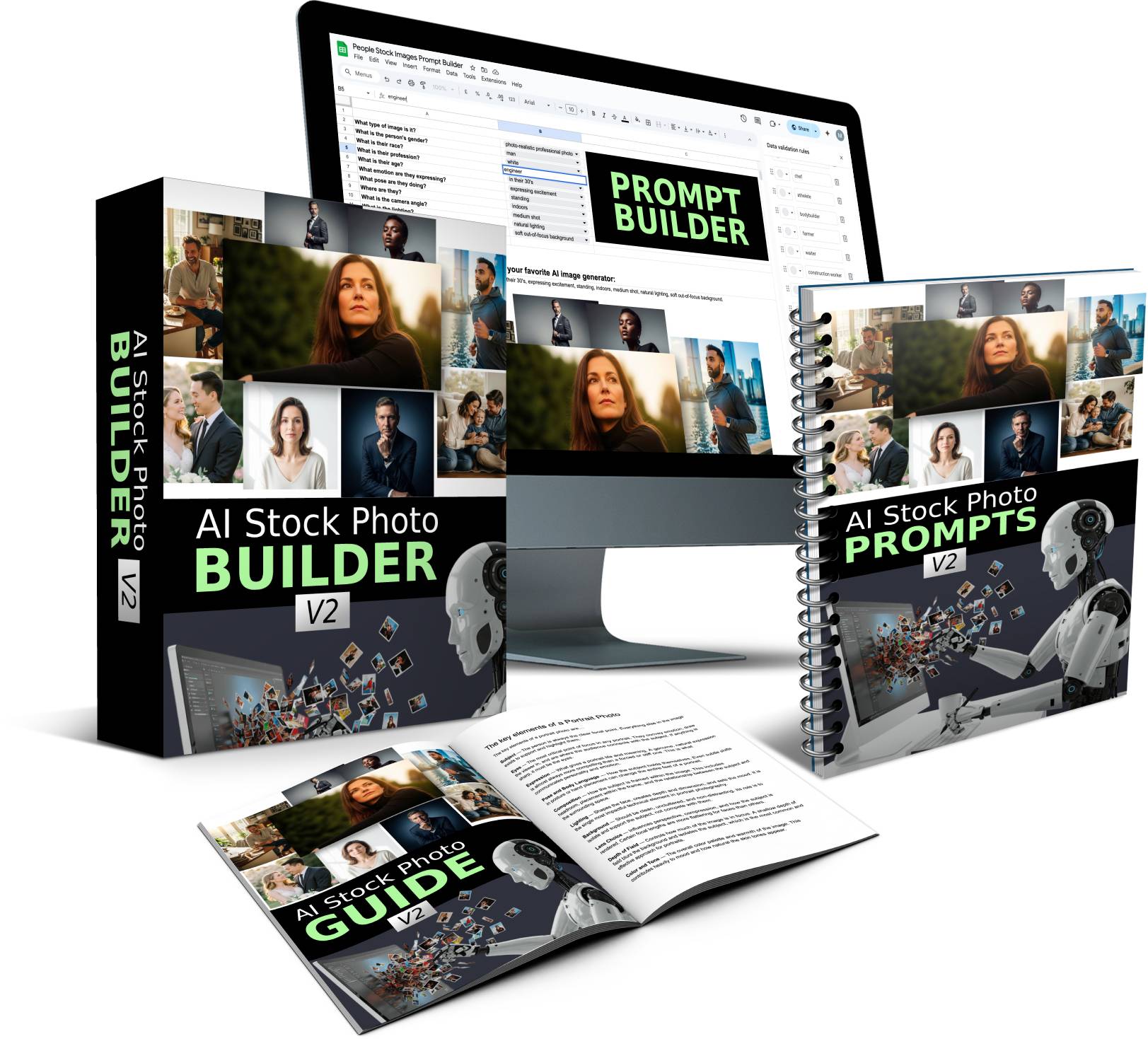
AI Stock Photo Builder V2 with PLR
AI Stock Photo Builder V2 with PLR
AI Stock Photo Builder V2 with PLR – From Max Rylski – Create Amazing Looking Photo-Realistic AI Stock Images With a FREE AI Tool & Prompt Builder. No Credits & No Tech Skills Required – Point, Click & Create Images. Plus a PLR license to everything. Create unlimited images, prompts and new Prompt Builders – and then sell this content to others under your name.
Brand New V2: Create Amazing Looking Photo-Realistic AI Stock Images With a FREE AI Tool & Prompt Builder
No Credits & No Tech Skills Required – Point, Click & Create Images
Create Amazing Looking Photo-Realistic People Photos With FREE AI Tools
Brand New V2 Release for 2026 – New Photo Styles, New Prompt Builder, New Prompts, and more…
What is AI Stock Photo Builder V2?
We all need images for our projects. The problem is finding just the right image can be time consuming and expensive.
But what if you could create your own custom image of exactly what you need, when ever you need, in minutes? This is now possible with AI.
And the best part is that you don’t need to be a professional “prompt architect” or have an expensive subscription to a paid AI tool.
That’s what this toolkit is all about…
This isn’t just another set of generic prompts. I spent dozens of hours and created 1,000’s of images to test out what works and what doesn’t for creating photorealistic AI images.
After running so many tests, I found the best FREE image generation tool that creates images as good as paid tools like Midjourney, Leonardo AI, Dall-E, etc..
Plus I recorded the steps I took to create the images and turned into an easy to follow guide that shows you how to structure your prompts for photorealistic images.
To make things even easier, I created a Prompt Builder tool where you point, click, and get awesome results in minutes.
I released V1 of this product at the end of 2025. And since then I continued to test, tweak and refine the system and this brand new V2 release is now better than ever.
Here is how it works:
If you can point and click, you can create awesome looking graphics in minutes…
Step 1: Quickly describe your subject
Type in who you want to appear in the photo:
White man in his 40’s with short hair.
Hispanic woman in her 20’s.
Step 2: Choose your settings
No guesswork, no struggling to come up with prompts. Simply choose the options from the drop down menus that best apply to the type of image you want to create. The Prompt Builder comes pre-filled with all the “technical” stuff like camera lens, lighting, composition, etc..
Step 3: Copy and Paste Prompt
Copy and paste the prompt into the free AI image generator and it will create 4 high quality images for you in seconds. And yes, you can also copy and paste the prompts into any other AI image tool if you want.
Create as many images as you want
Keep pressing “Create” until you get the perfect image. Create as many images as you want. Go back to the Prompt Builder and create as many new prompts as you want. Rinse and repeat for unlimited images.
Upgrade Offers (OTOs)
FE: $17 – AI Stock Photo Builder V2 (with PLR License)
OTO 1: $27 – AI Person Appearance Builder (with PLR License) – It’s like a character builder in a video game. Create your own unique person and control every little feature like: eye shape, nose shape, facial structure, physical build, outfit, and more.
OTO 2: $27 – AI Landscape Photo Toolkit (with PLR License) – Create photorealistic landscape photos.
OTO 3: $27 – AI Macro Photo Toolkit (with PLR License) – Create photorealistic macro photos.


